StableSFX Studio
A local sound effect generator and editor
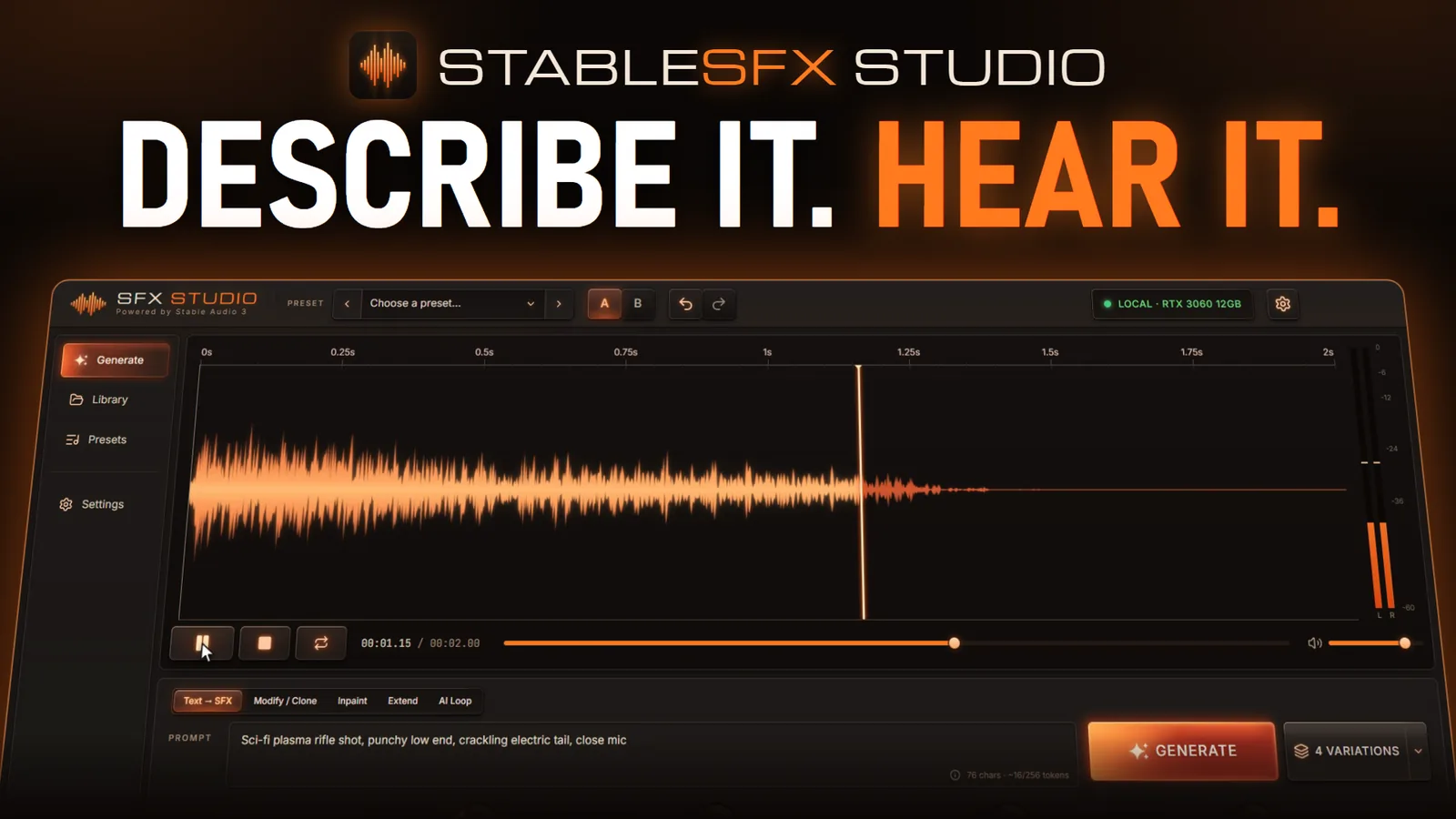
Watch the Trailer made with Trailer-V here.
A few recent projects have required sound effects. I needed a way for a model to prompt for sound effects via MCP, but I didn’t want to sign up for another AI service. Enter Stable Audio! A small model capable of generating sound effects within the limits of my RTX 3060.
There’s a sizeable market for expensive third-party audio plugins for DAWs (Digital Audio Workstations). They usually have some very impressive-looking interfaces. With that as a goal, I worked with GPT’s Image model to render the concept. After a few back-and-forth sessions, this is what we came up with.
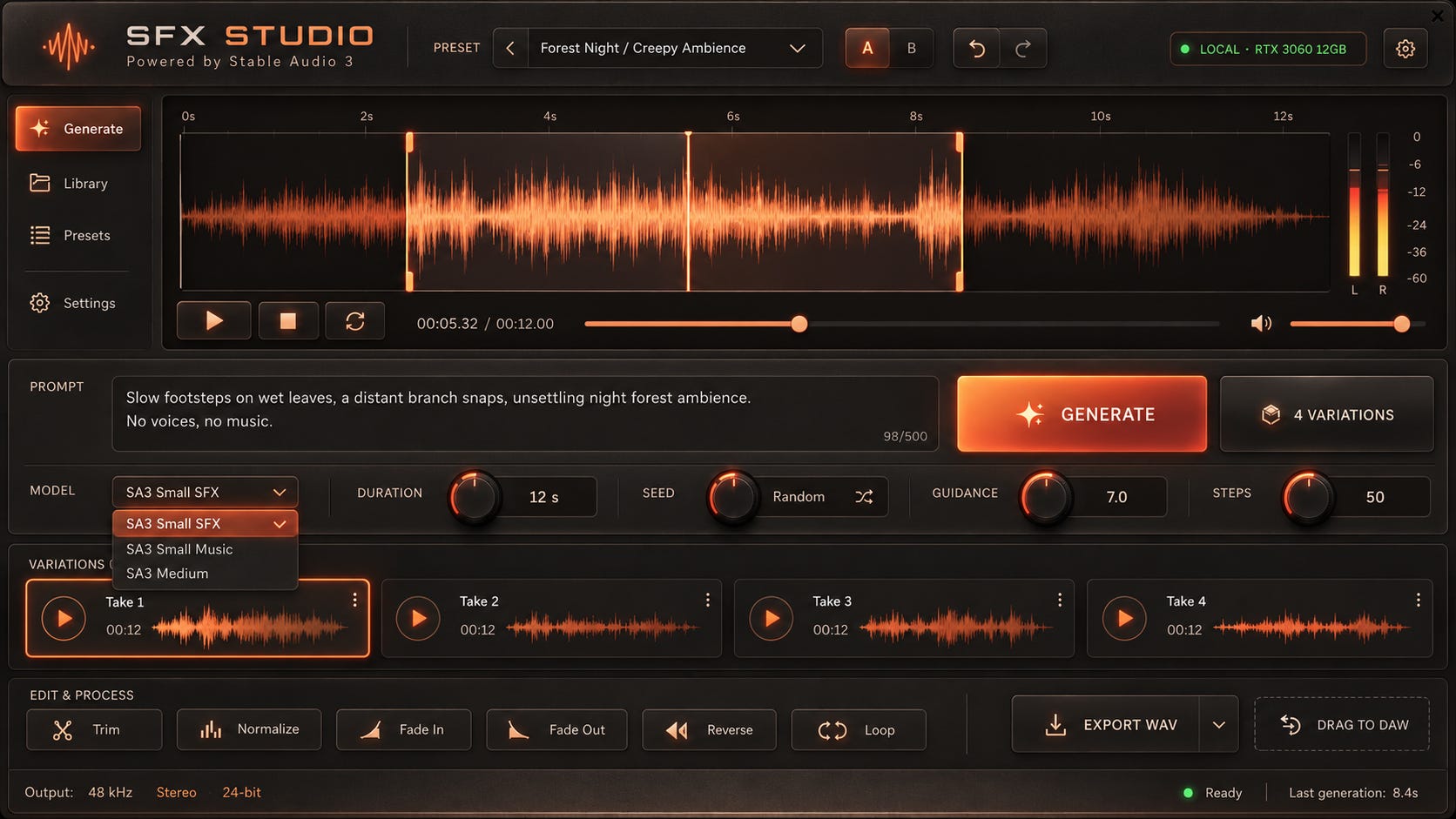
The trees are a deep orange and red outside right now, so this color palette feels natural to me! It took a bit of prompting to get it to pay attention to some specific details. With that in mind, let’s see how Opus did in the actual implementation.
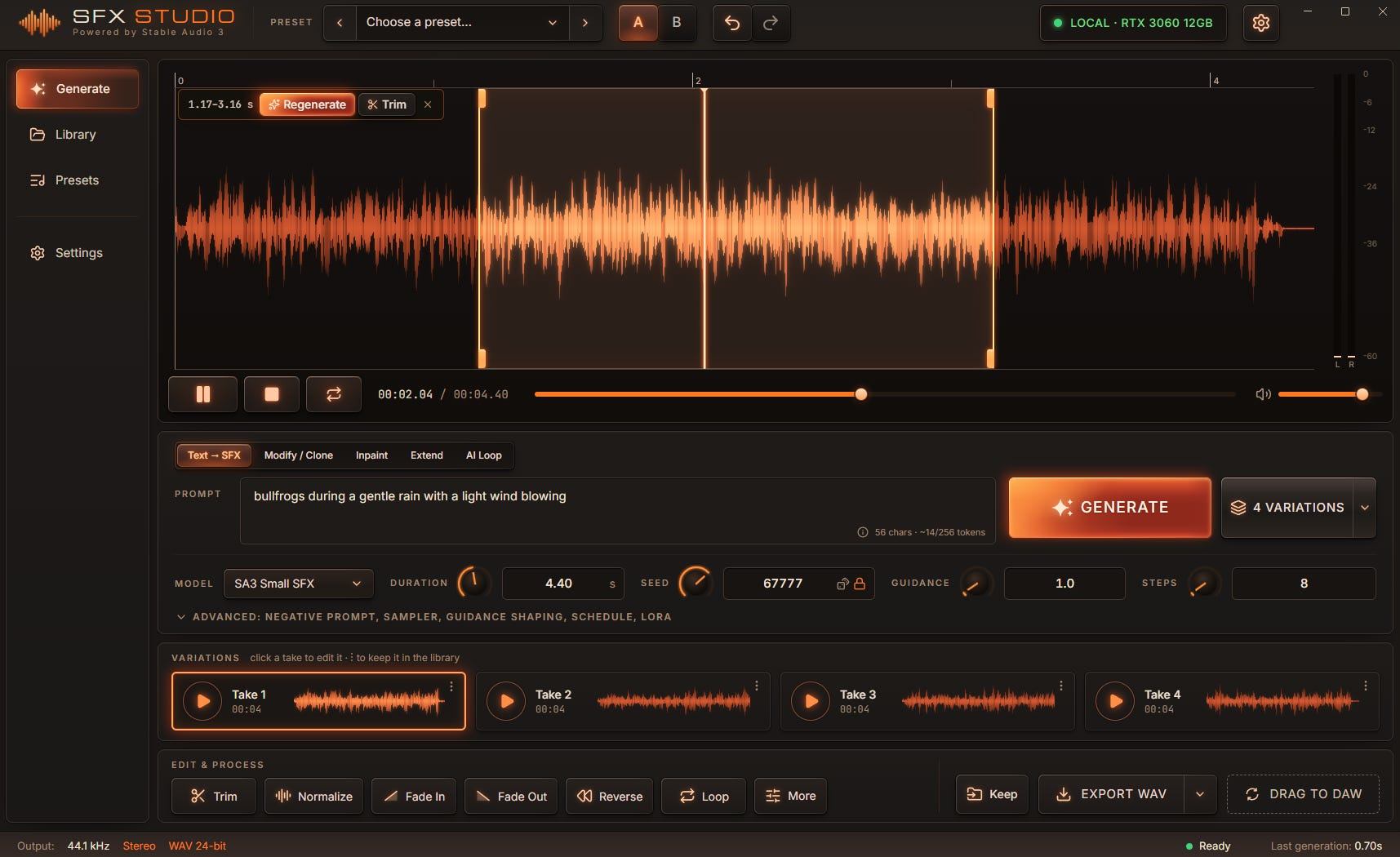
Oh wow! That’s actually very impressive! There are some spacing issues and, it’s a little too eager to shove as much content into a small space as possible.
Give it an attention budget
AI sometimes feels the need to cram far more information into a user interface than the user actually needs. This adds distraction and increases the attention required to understand or work in the UI. I’ve recently found that giving it an attention budget mitigates this in areas where a quick workflow is necessary.
For example:
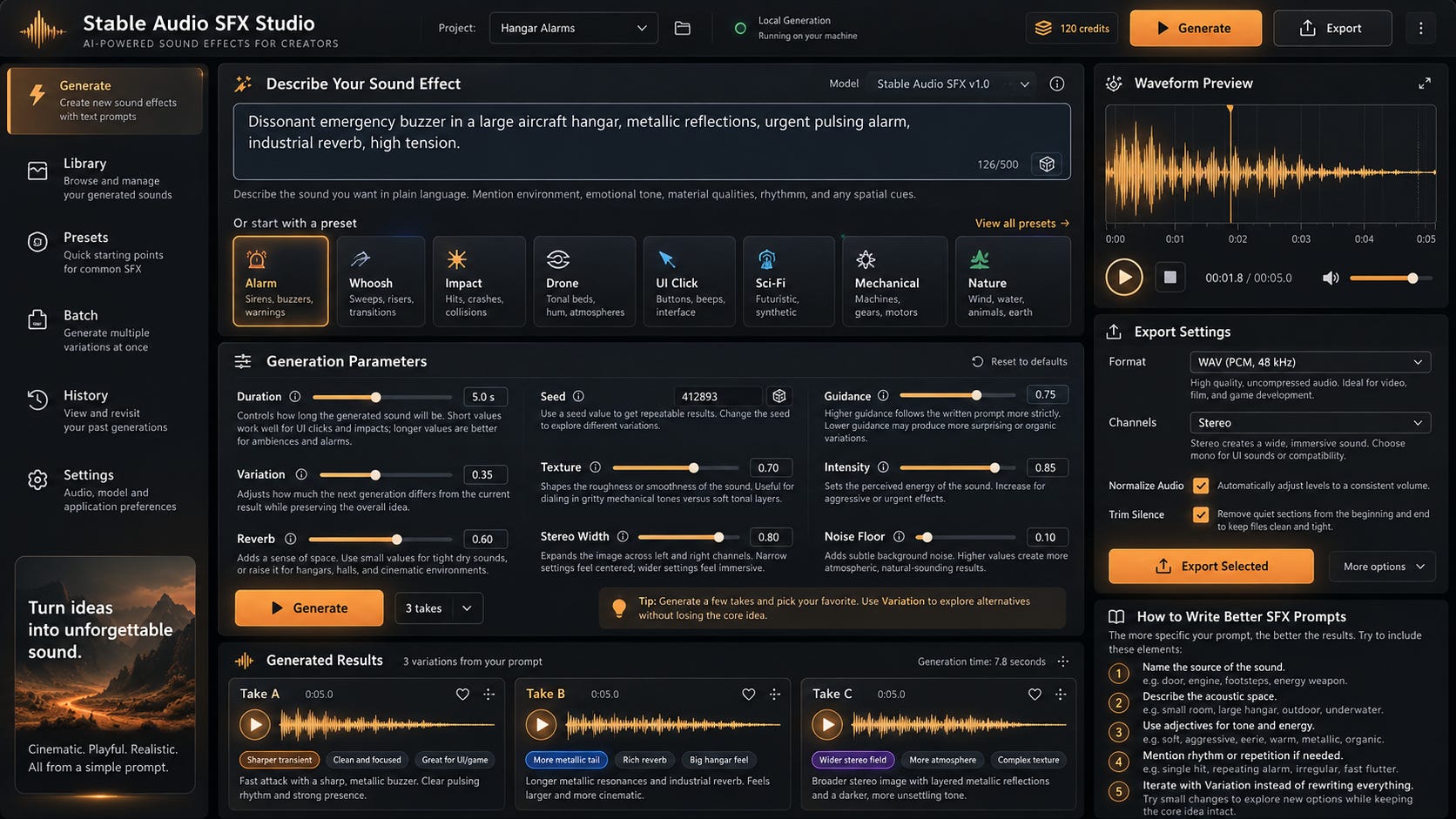
The user needs to be able to understand the core workflow within 3 seconds.
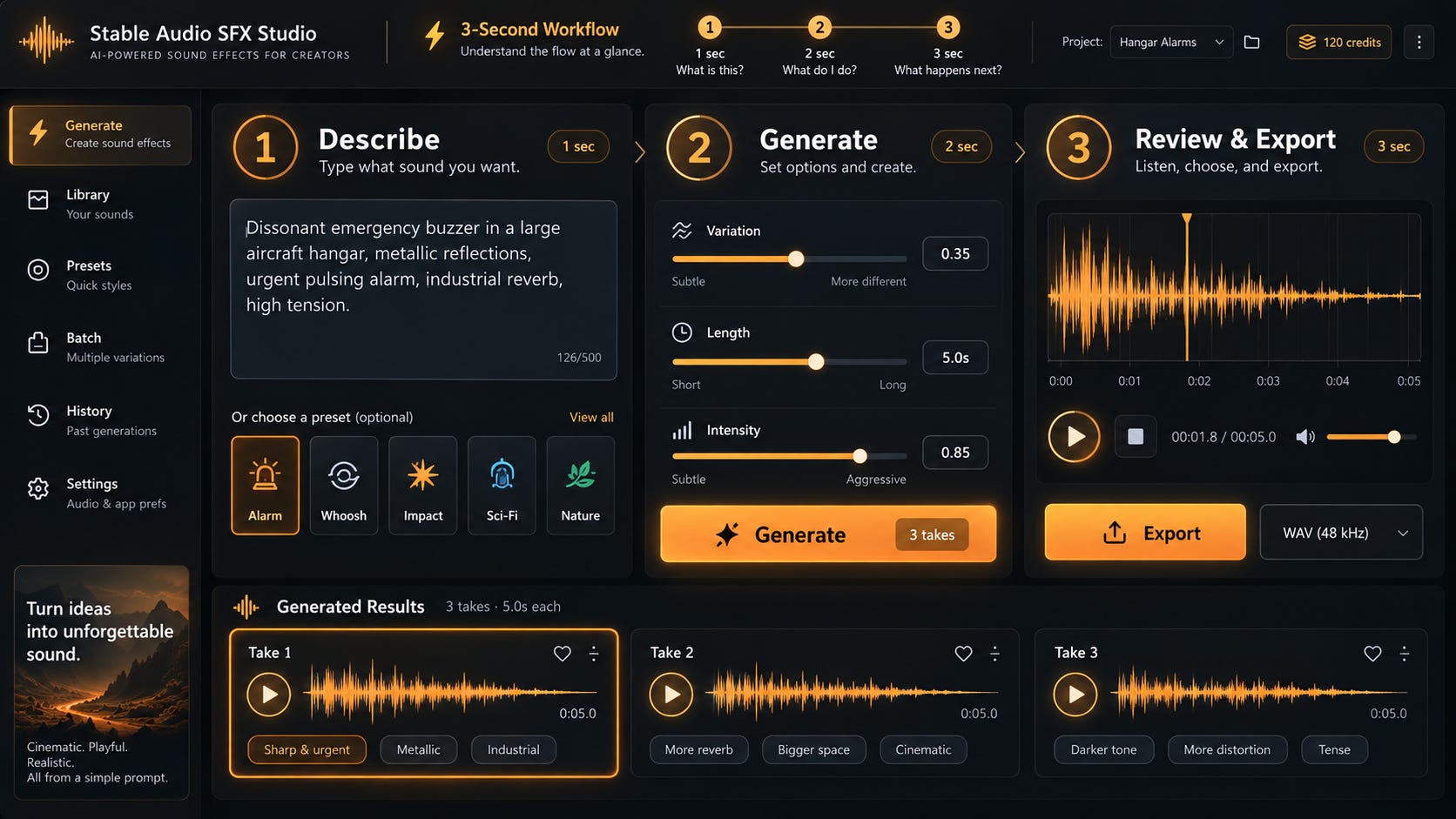
Much better! It’s still busy, but that’s definitely an improvement. The concept translates well to many experiences.
How it’s built
The UI is an Electron app wrapped around React 19 with Tailwind (a popular CSS library), shadcn/ui (my recent favorite UI library for almost everything), Zustand (a lightweight state management store), Lucide (for icons), and WaveSurfer (an open-source audio visualization library).
The sound engine is built in Python, with FastAPI, Uvicorn, WebSockets for progress and job updates, and HTTPX for the HTTP APIs.
Stable SFX Studio is MCP-first, using stdio transport.
generate_sfx
extend_sfx
inpaint_sfx
make_loop
organize_sfx
Functionally, it’s impressive.
Test → SFX is the starting point: Here I can prompt, and generate iterations using a small or larger version of the model. Duration, Seed, Guidance, and Steps are rotatable knobs.
Modify / Clone - this is an audio-to-audio mode capable of generating new sounds from a base sound.
Inpaint - regenerates only the highlighted part of the waveform via a new input prompt.
Extend - lengthens the audio by 0.25 up to 60 seconds via a new input prompt.
AI Loop - creates a new audio clip by repeating the original clip seamlessly.